
Meccha Chameleon Controller Support and Settings Guide
Meccha Chameleon controller support notes, accessibility categories, camera comfort, audio settings, and input tips for new players.
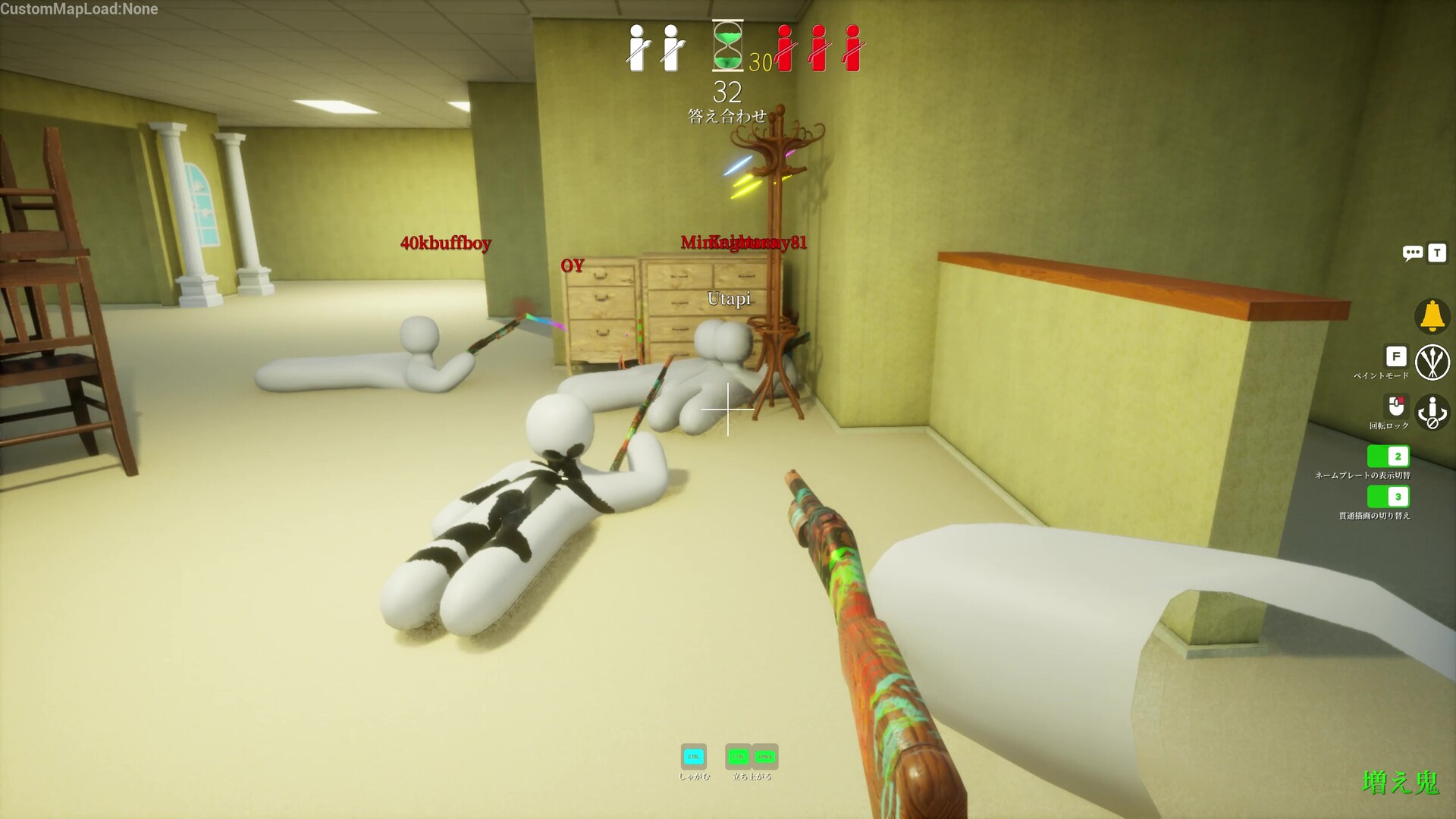
Steam user tags include Controller, and Steam categories list accessibility-related items such as camera comfort, custom volume controls, and playable without timed input. Check the live store page for exact controller status.
Current Store Signals
The Steam page includes a Controller user tag and accessibility categories such as camera comfort, custom volume controls, stereo sound, surround sound, and playable without timed input. User tags are community-driven, so check the live store page for official controller labels before buying for a specific setup.
Input Advice
Meccha Chameleon is about precision looking, painting, and staying aware of sightlines. Use whichever input lets you make small camera adjustments comfortably.
- Mouse can help with precise camera scans.
- Controller may feel comfortable for casual couch-style play.
- Adjust sensitivity if seeking feels too jumpy.
- Set volume so movement and round cues are easy to notice.
Meccha Chameleon Controller Support and Settings Guide FAQ
Does Meccha Chameleon support controller?
Steam user tags include Controller, but verify the live Steam page for official controller compatibility labels.
Is keyboard and mouse better?
Keyboard and mouse can help with precision scanning, but comfort matters more for casual play.
Does Meccha Chameleon have accessibility options?
Steam categories list camera comfort, custom volume controls, stereo sound, surround sound, and playable without timed input.