
Meccha Chameleon Lag, Connection, and Matchmaking Fixes
Troubleshooting guide for Meccha Chameleon lag, host connection issues, public lobby problems, matchmaking expectations, and smoother multiplayer sessions.
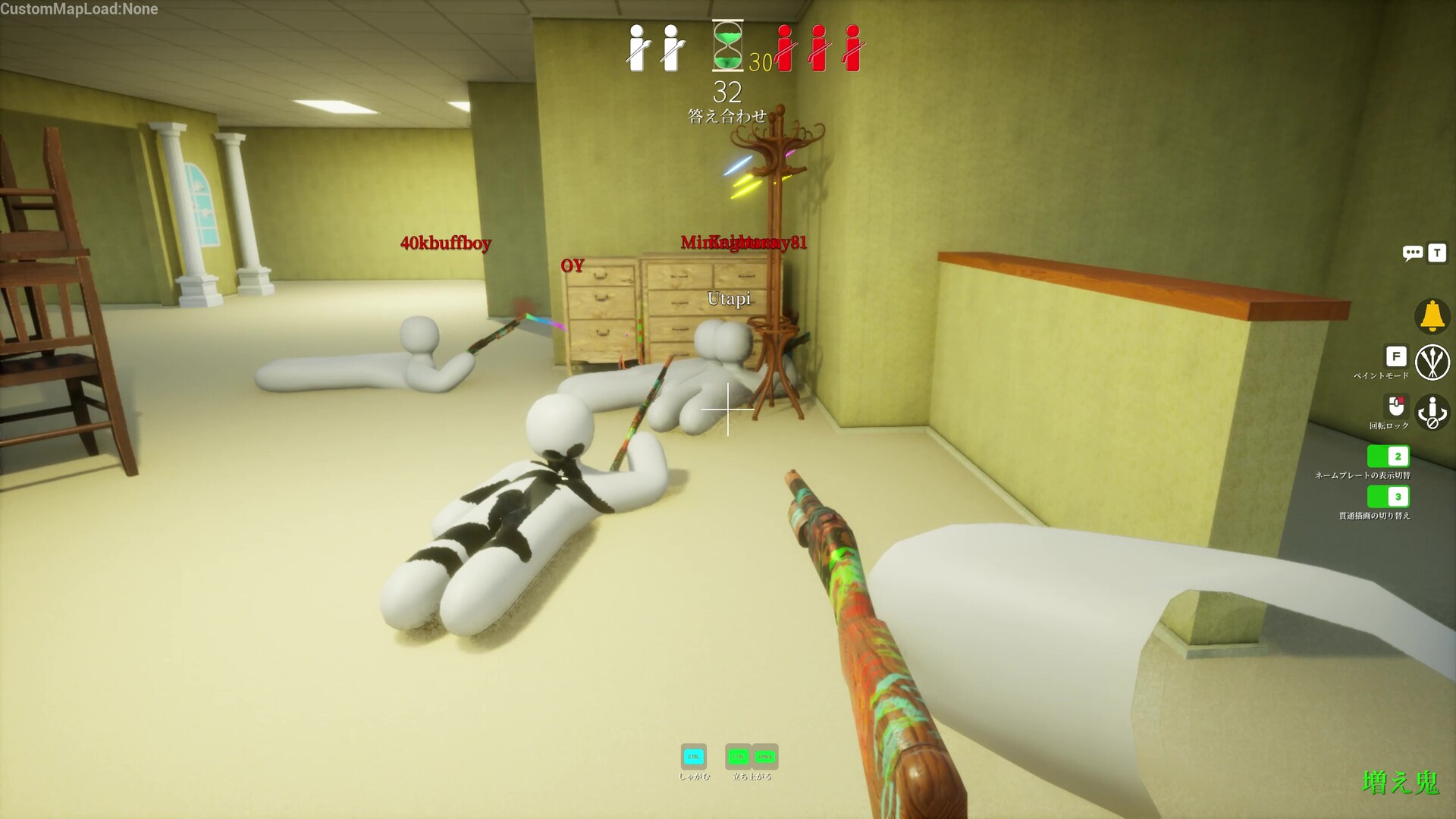
For Meccha Chameleon lag, use the most stable player as host, close heavy background apps, avoid weak Wi-Fi, and try smaller lobbies before assuming the game itself is broken.
Start With the Host
The official description notes that the maximum number of players depends on the host's network environment. That means host quality can matter a lot in bigger sessions.
- Let the player with the strongest connection host.
- Use wired internet if possible.
- Try fewer players if a lobby feels unstable.
- Avoid hosting while uploading, streaming, or downloading heavily.
Reduce Local Stutter
Connection lag and frame stutter can feel similar during seeking. If camera movement is uneven, lower settings or close background programs before troubleshooting matchmaking.
Public Match Expectations
Public lobbies can vary because hosts and regions vary. If one room feels bad, try another room, a smaller group, or a private session with friends.
Meccha Chameleon Lag, Connection, and Matchmaking Fixes FAQ
Why is Meccha Chameleon lagging?
Possible causes include host connection, Wi-Fi instability, overloaded background apps, or too many players for the host environment.
Can smaller lobbies help?
Yes. Smaller lobbies are often more stable when the host connection is limited.
Does the host matter?
Yes. The official Steam description specifically mentions the host's network environment.